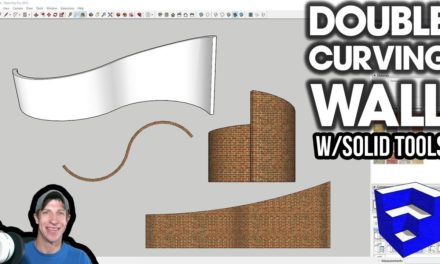
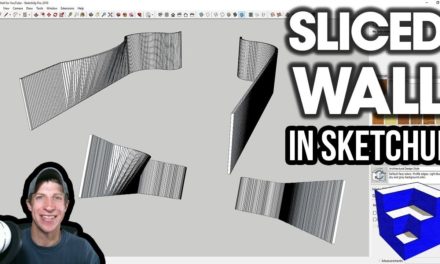
USING SLICER AND SOLID TOOLS IN SKETCHUP for Parametric Shapes – Rippling Wall
In this video, learn to use the extensions Slicer and Solid tools together to create a rippling wall in SketchUp! By combining these tools, you can create many more parametric sliced shapes in SketchUp.
Do you like these SketchUp tutorials and videos?
If so, please consider supporting me on Patreon (click here to support) or by visiting my Support the Show Page!
In this video, learn to use the extensions Slicer and Solid tools together to create a rippling wall in SketchUp. By combining these tools, you can create many more parametric sliced shapes in SketchUp.
THE SKETCHUP ESSENTIALS COURSE
https://www.thesketchupessentials.com/course
SLICER DOWNLOAD
https://sketchucation.com/pluginstore?pln=TIG_Slicer
SLICER TUTORIALS
https://www.youtube.com/watch?v=-Pxl0pjOkW0&list=PLEQT0qjXe6zi7B-uOM1Ji1HFV5GmuWHHc
BOOL TOOLS DOWNLOAD (Affiliate Link)
https://www.thesketchupessentials.com/booltools