*This SketchUp plugin review brought to you by my Patreon Page . If you like these plugin reviews, please consider supporting me on Patreon so I can keep bringing you reviews of paid plugins!
I’ve been very excited for a while to do a plugin review on this plugin. It’s a plugin designed to subdivide faces to create organic models. This week’s plugin of the week is SubD!
Plugin Name:
SubDPlugin Developer:
Thom ThomHow Much does it cost?
$40Where can you find it?
You can download this plugin by clicking the link belowClick the Button to Download the Plugin from the SketchUcation Store
Tool Functions
Basically, the way this plugin works is by taking your geometry in your model and subdividing it to create more rounded, organic shapes. For example, if I take a a square face like the one in the image below, then subdivide it, it will continually divide the shapes until you have a smooth curve. It’s basically the equivalent of taking a circle with 12 segments around the perimeter and making it a circle with 24 segments. This makes the circle look much more smooth and organic. However, this process affects models in 3 Dimensions.
This tool stores your original geometry, allowing you to go back and adjust your geometry for future changes.
It’s basically the equivalent of taking a circle with 12 segments around the perimeter and making it a circle with 24 segments. This makes the circle look much more smooth and organic. However, this process affects models in 3 Dimensions.
This tool stores your original geometry, allowing you to go back and adjust your geometry for future changes.
 It’s important to note that this tool is optimized to work with quad faces, not tri faces. What that means is usually, when SketchUp breaks a face up into multiple pieces, it breaks it into 3 sided pieces. However, in this case, for things to function optimally, you’ll need to model all your faces in quads, or 4 sided faces. This can be greatly helped by using Vertex Tools (also by Thom Thom).
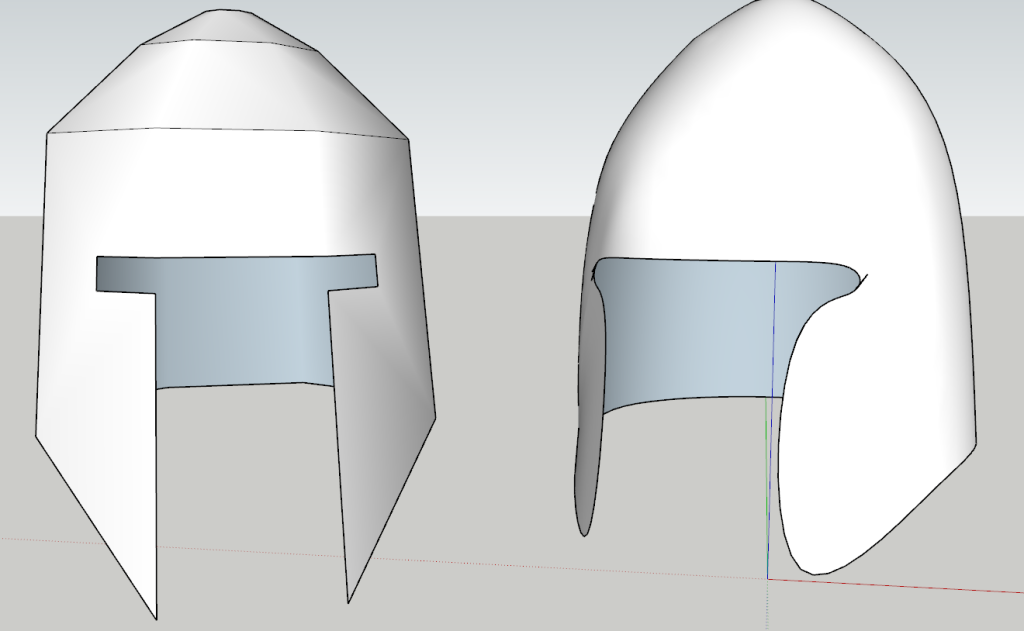 It also comes with a couple other tools optimized to help you with working with models.
The first is the crease tool. The create tool allows you to adjust points and lines in your model.
The second is the quad push pull tool. This tool is designed to help you push pull faces without creating internal geometry that will make the plugin not function properly.
It also comes with a couple other tools optimized to help you with working with models.
The first is the crease tool. The create tool allows you to adjust points and lines in your model.
The second is the quad push pull tool. This tool is designed to help you push pull faces without creating internal geometry that will make the plugin not function properly.