SketchUp Interior Design for Layout Part 2 – Doors and Windows
Do you like these SketchUp tutorials and videos?
If so, please consider supporting me on Patreon (click here to support)!
You can check out part 1 of this tutorial here
In part 2 of my tutorial series on modeling Interiors in SketchUp for interior design and layout, we focus on the following:
- Creating door and window geometry
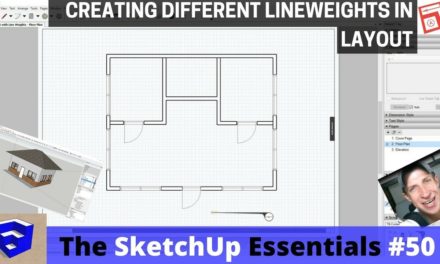
- Creating 2D door swing images as a part of our door groups for use in layout
- Organizing doors and windows into groups and layers to be able to quickly adjust visibilities in layout
In the next video, we’ll start working on modeling furniture and adding accessories to our model!