
SketchUp Extensions FOR ARCHITECTURE – Placing Plants with JHS Powerbar
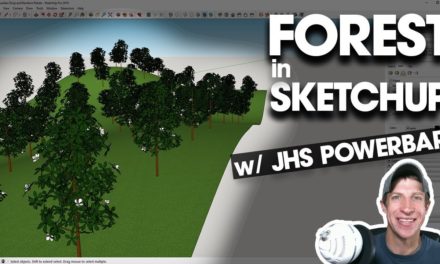
In this video, we use the SketchUp extension JHS Powerbar to quickly place, randomize, and proxify plants in your models!
Do you like these SketchUp tutorials and videos?
If so, please consider supporting me on Patreon (click here to support) or by visiting my Support the Show Page!
DOWNLOAD LINK IN THE ARCHITECTURE EXTENSIONS GUIDE
https://www.thesketchupessentials.com/architectureextensions
Placing objects on terrain in SketchUp can be extremely time consuming, especially objects like trees and plants that also need to have some randomization to look realistic. Even more problematic is the fact that tree models can be some of the heaviest models in a #SketchUp model.
In this case, we can combine the tools “Drop at Intersection,” “Random Scale and Rotate,” and “Proxify” to quickly drop our objects on terrains, add randomization to our vegetation, and if our model gets to heavy, swap out our heavyweight geometry with light, easy to edit geometry until we need the more detailed geometry.
Not only can JHS Powerbar do all these things, it’s also 100% Free, so give it a try today!
THE SKETCHUP ESSENTIALS COURSE
https://www.thesketchupessentials.com/course



 Hi there! My name is Justin Geis, and I'm dedicated to creating the best SketchUp tutorials on the internet! If you're interested in SketchUp, you're in the right place. Make sure to check out my