Photoshop LAYERS AND MASKS Tutorial for Beginners | Photoshop for Architecture Tutorial #1
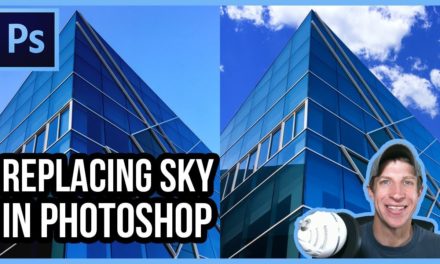
This is part 1 in my series on Photoshop for Architecture. This series will include Photoshop Tutorials for beginners, starting with this tutorial on how to use Layers and Masks and how important they are in your Photoshop Projects. You can use layers and masks to conceal or reveal different effects within your Photoshop projects, allowing you to blend images, remove and add skies, add effects, and much more!
Do you like these SketchUp tutorials and videos?
If so, please consider supporting me on Patreon (click here to support) or by visiting my Support the Show Page!
IMAGE CREDIT
Per Creative Commons Attribution 3.0, image credit is below –
https://commons.wikimedia.org/wiki/File:Leonardo_Glass_Cube_-_Corporate_architecture.jpg
Source: 3deluxe, www.3deluxe.de
Author: Emanuel Raab
Highlights of this video –
- Learn to place images and effects on different layers in your Photoshop Projects
- Learn the importance of non-destructive editing techniques to make your images easily editable and changeable
- Apply Layer masks to conceal or reveal different effects or parts of images
- Use various tools to add masks to your models to allow different layers to show through in different areas
- and more!