Copy Objects ALONG PATHS in SketchUp with PathCopy
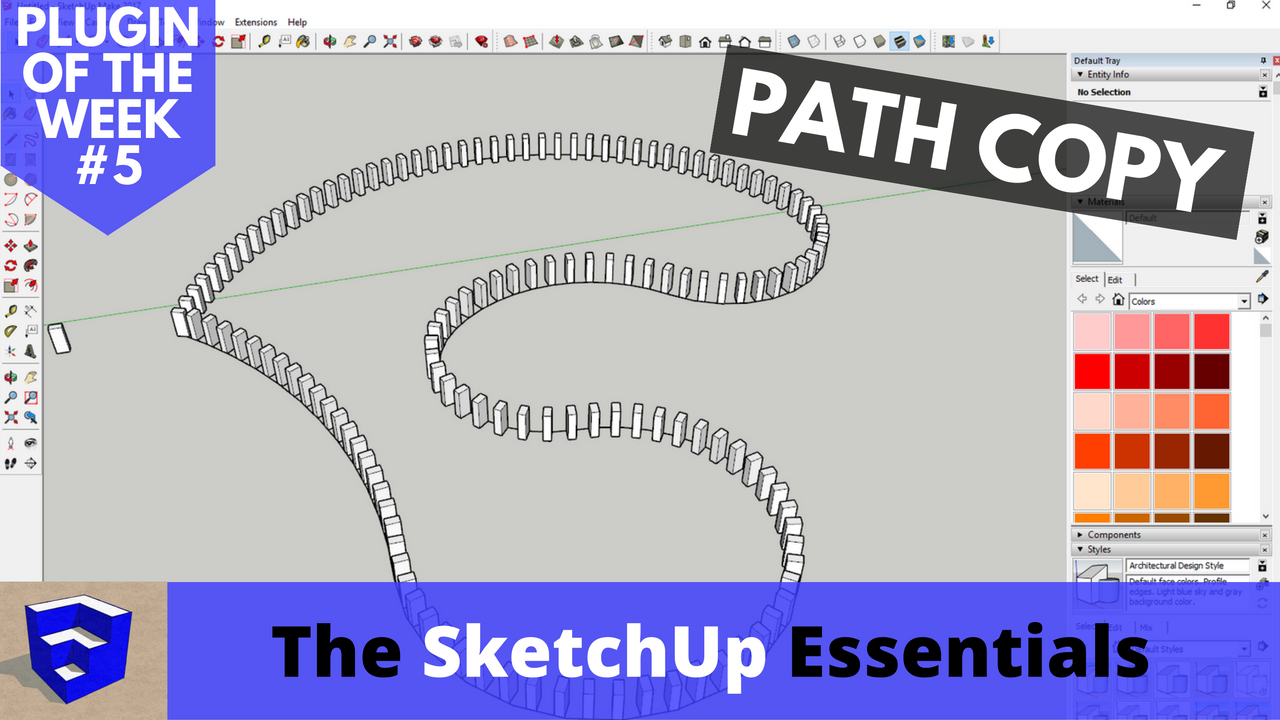
In this video, learn how to use PathCopy – a SketchUp Extension that allows you to create copies of objects at different spacings along paths!
Do you like these SketchUp tutorials and videos?
If so, please consider supporting me on Patreon (click here to support) or by visiting my Support the Show Page!
THE SKETCHUP ESSENTIALS COURSE
https://www.thesketchupessentials.com/course
PATHCOPY DOWNLOAD
https://extensions.sketchup.com/en/content/pathcopy
WELD DOWNLOAD
https://extensions.sketchup.com/en/content/weld
Pathcopy is a SketchUp extension designed for…copying objects along paths! 🙂
It’s designed to help you copy objects along lines and polylines – it allows you to set the spacing by typing a spacing value, as well as specifying if you’d like the object to be placed at the line edge vertices.
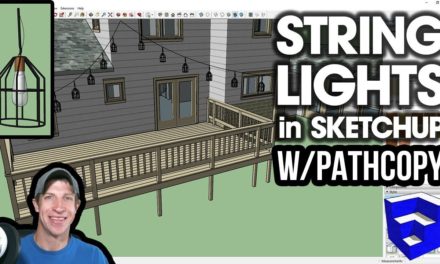
This can be very useful for anything from placing lights along a line, to placing trees along a road. If you have a line made up of lots of different segments, this extension will only place objects along a single segment in the line. However, if you use the extension “Weld” to weld the lines into a single “polyline,” you’ll be able to place objects along the whole polyline.