
I’m proud to announce that in addition to in-depth tutorials, I’m now going to be creating short, two minute videos designed to teach a single idea or tactic in SketchUp. This way, I’ll be able to focus on creating short, helpful videos that will help you develop your SketchUp skills. I will still be creating in-depth posts as well, but these shorter tips should allow you to learn important SketchUp skills without having to sort through a twenty minute long tutorial video in order to get what you want.
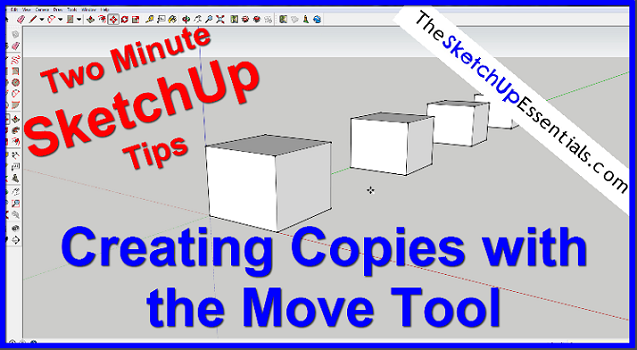
This week’s two minute tip video will teach you how to use the move tool in SketchUp to create copies. This strategy allows you to select an object, then make as many different copies of the object as you’d like in a straight line. You can also easily set the spacing between the different copies if you’d like to make copies at a precise distance from each other.
If you’d like to check out my full, in-depth tutorial on the various abilities of the move tool, click here.

